Know what's installed on your Mac.
AppRegister gives you a clear view of everything on your Mac. Scan, understand, search and export your installed applications.
Scan time varies with the number of apps on your Mac
Scan
Everything.
At a glance.
AppRegister turns raw application data into a clean, useful view - with app size, last-used date, login item status and Apple Silicon compatibility.
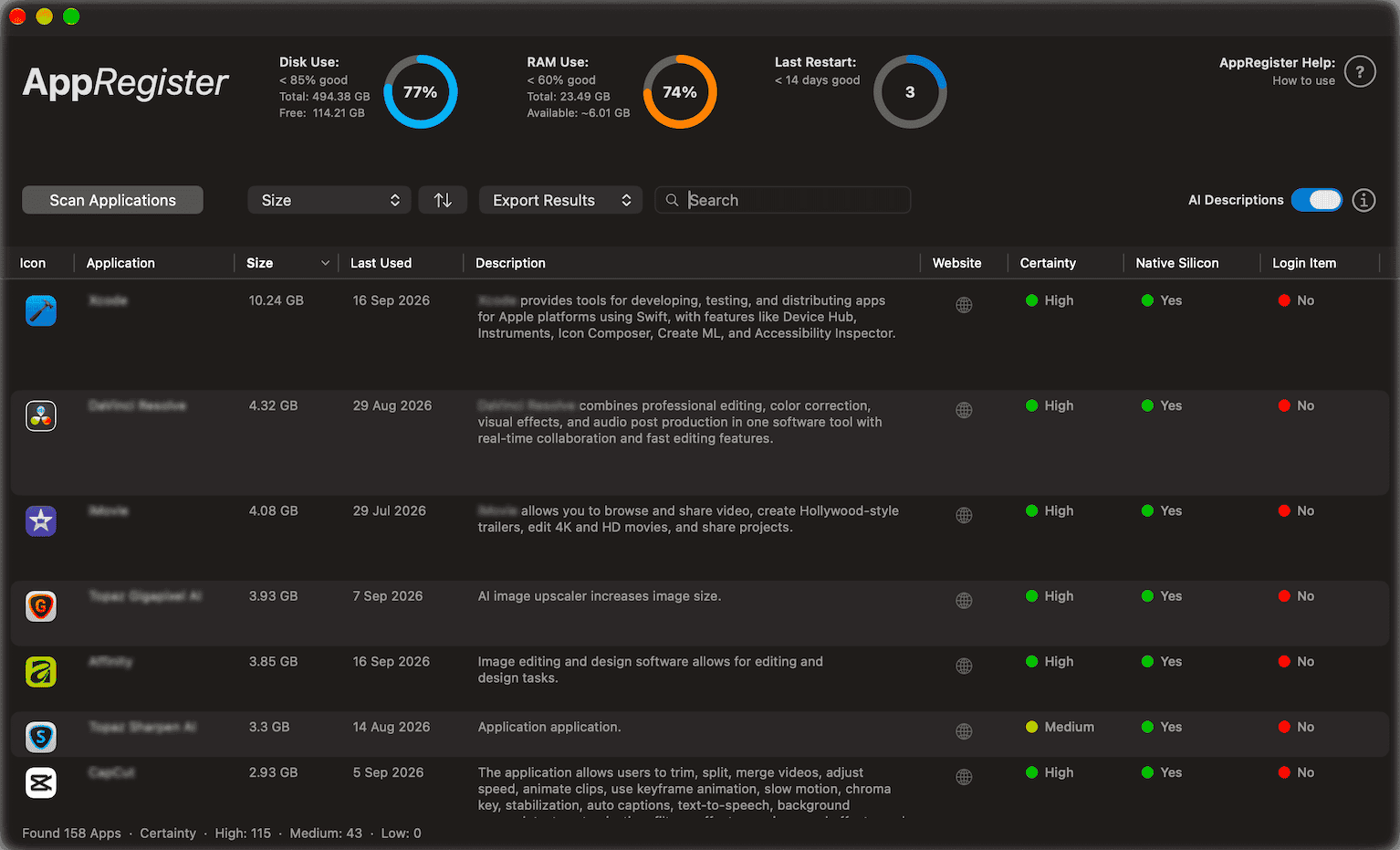
App names are not blurred within the app

Understand
Your Mac has
a lot to say.
Disk, RAM and uptime gauges give you useful system context alongside the application register.
Work with it
Find what matters.
Search, sort and export your application inventory for cleanup, review, audit, handoff or planning.

Privacy
Your Mac.
Your data.
Core app analysis runs locally on your Mac. There are no advertising SDKs, no cross-app or cross-site tracking, and no account required.

AppRegister requires macOS 14 or later
Common questions
Simple answers.
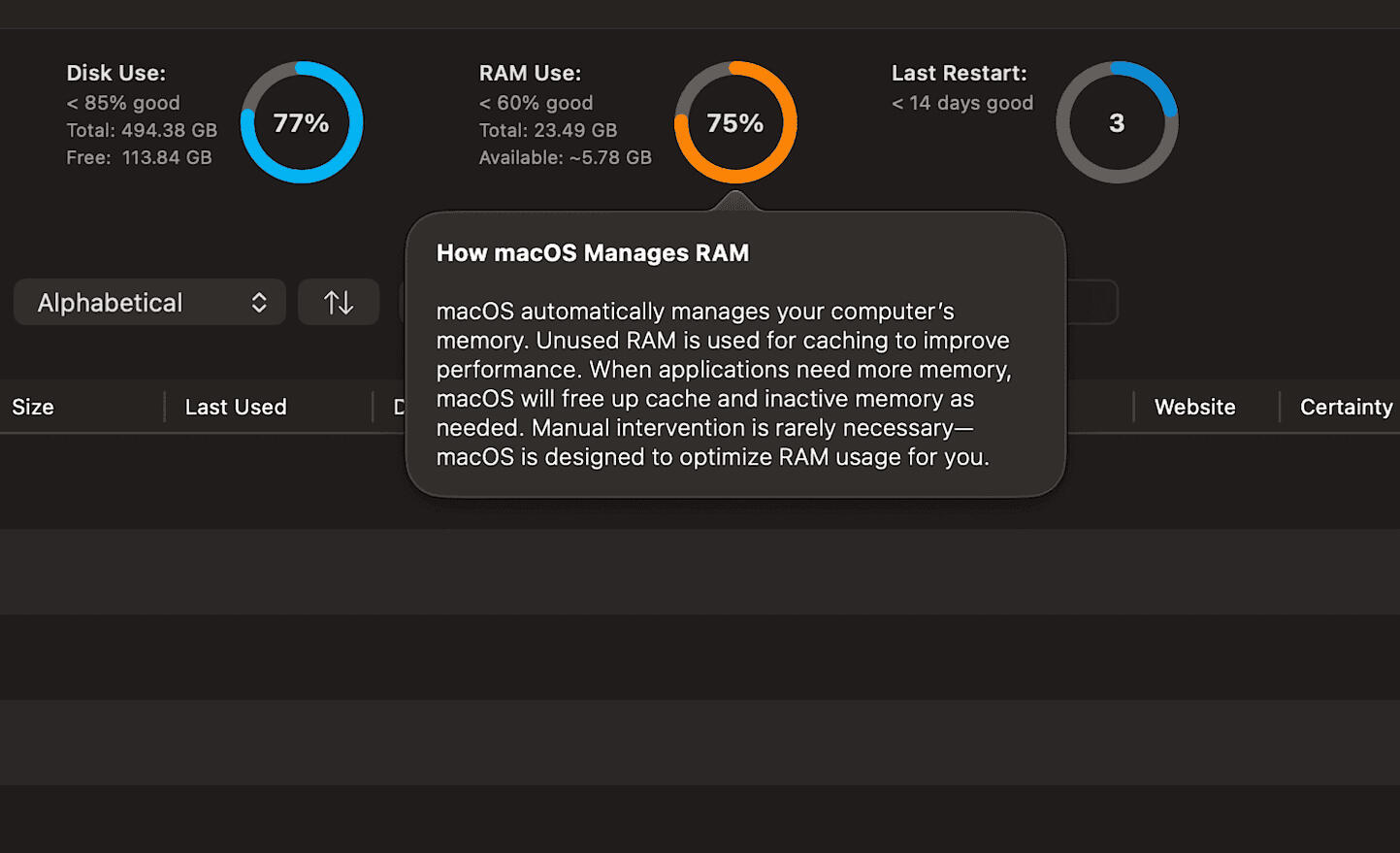
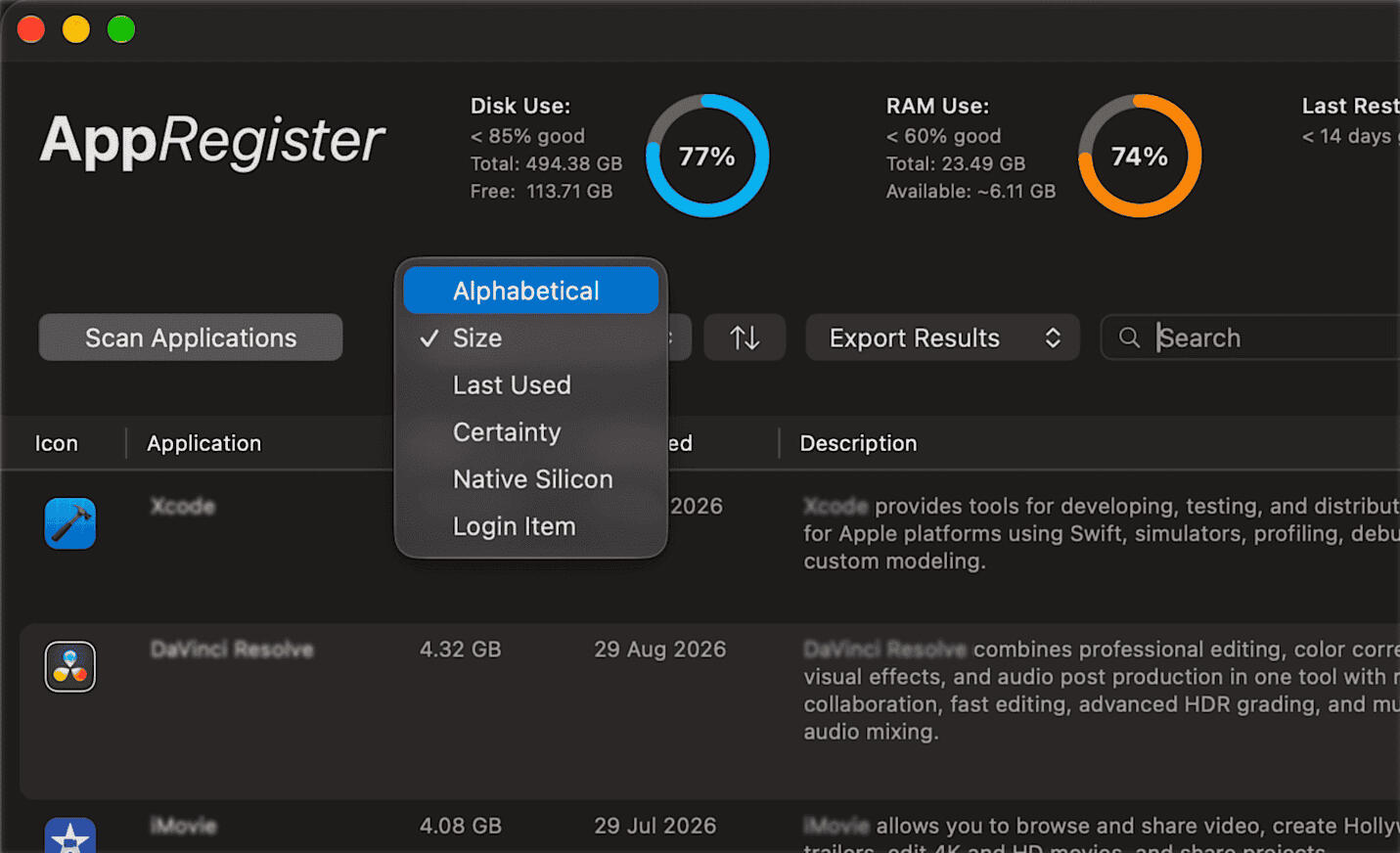
App names are not blurred within the app
Support
Ask anything.
AppRegister is not yet distributed. Watch this space for updates and please use the contact form for information requests.
Bug reports, feature ideas, or a question before you buy - it all comes straight to us. We aim to respond in 48 hours.
AppRegister is developed by Michael Edwards
All rights reserved © 2026Check out our other macOS apps:



AppRegister Privacy Policy.
Effective date: 28 August 2026AppRegister is designed to minimize data collection and process information on-device whenever possible.
1. Information AppRegister Accesses
AppRegister accesses information about applications installed on your Mac to generate scan results. This may include:
App names and application metadata
App size
Bundle identifiers and other bundle metadata
Last-used date, where available
Login item information to indicate whether an app may launch at startup
2. How Network Access is Used
AppRegister may use network access to retrieve optional app descriptions and related website links.
Depending on the features being used, app names and, where available, bundle identifiers may be sent to third-party services including:
Apple iTunes Search
Wikipedia
DuckDuckGo
These requests are used to retrieve information about applications and support the enrichment features shown in AppRegister.
AppRegister does not send your complete app inventory, personal files or documents to these services.
3. Apple Intelligence
AppRegister includes an optional AI-Polished Descriptions feature.
When enabled, Apple Intelligence is used on-device to rewrite retrieved app descriptions into a more consistent format.
This feature:
Is optional
Uses Apple Intelligence on-device
Only rewrites descriptions that have already been retrieved from an available source
Does not invent an app description when no source description is available
Requires Apple Intelligence, macOS 26 or later, and Apple Silicon
AppRegister does not send app descriptions to its own servers for AI processing.
4. Data Collection and Tracking
AppRegister:
Does not use advertising SDKs
Does not track users across apps or websites
Does not sell personal information
Does not require account creation
Does not operate a cloud account system for storing your app inventory
AppRegister is designed to process scan results and app inventory information locally on your Mac, except where information is specifically requested from third-party services to provide optional enrichment features.
5. Data Storage and Retention
Scan results are generated locally on your Mac
AppRegister does not provide a cloud service for storing your app inventory or scan results
Exported CSV and PDF files are saved only to the location you select
AppRegister does not maintain a remote copy of your exported reports
Information processed by the optional AI-Polished Descriptions feature is processed on-device as part of generating the description
6. Permissions
AppRegister may request the following permissions:
Automation / Apple Events: May be requested to support login item detection features
File access: Used when you initiate an export and select a location for the resulting CSV or PDF file
AppRegister does not require access to your personal documents or files to perform its core application scanning functions.
7. Third Party Services
AppRegister may interact with third party services to retrieve optional information about installed applications
Third party services operate under their own privacy policies and terms. AppRegister does not control how those services handle requests received by them
The information sent to these services is limited to information required to perform the relevant app lookup or enrichment function
8. Children’s Privacy
AppRegister is a local macOS application designed for general audiences
AppRegister does not knowingly collect personal information from children under 13
9. Changes to This Policy
We may update this Privacy Policy from time to time
When changes are made, the updated policy will include a new effective date
10. Contact
> Developer: Michael Edwards
> Contact Form: support@appregister [We aim to respond within 48 hours]
> Website: AppRegister